

Microsoft Office Courses
Microsoft Office Courses Online. Microsoft Office is a suite of productivity software applications developed by Microsoft. It includes a variety of programs that are designed to handle different types of tasks related to office work. The most commonly used tend to be Microsoft Word, Microsoft Excel, Microsoft Powerpoint and Microsoft Outlook.
Microsoft Office is available in different versions, such as Office 365 (a subscription-based service), Office 2019 (a one-time purchase version), and Office Online (a free web-based version with limited features). Each version provides different features and levels of service to meet the needs of various users, from individuals and small businesses to large enterprises.
Our Microsoft Office Courses online cover the most commonly used programs from the 2019/365 versions of the software.
Showing all 9 results
-
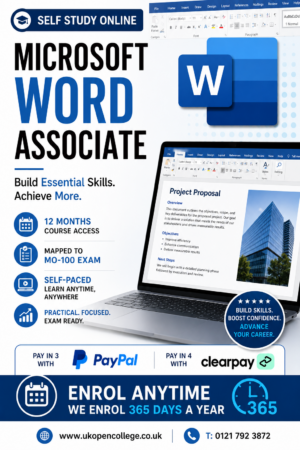
Microsoft Word 2019/365 Online Course – Associate Qualification
£150.00The Microsoft Word 2019 & 365 Associate Online Course is aimed at students who are interested in gaining skills of...Add to basket -
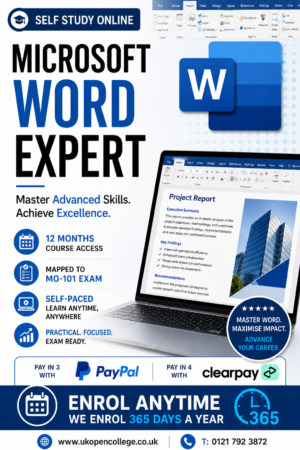
Microsoft Word 2019/365 Online Course – Expert Qualification
£150.00The Microsoft Word 2019 & 365 expert Online Course is aimed at students who are interested in gaining advanced skills...Add to basket -
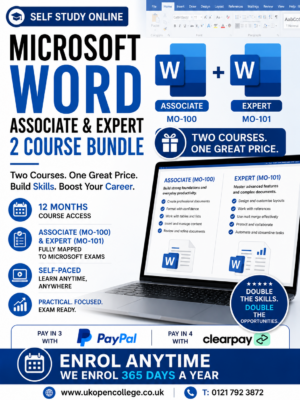
Microsoft Word 2019/365 Online Course Bundle- Associate & Expert Qualifications
£250.00Microsoft Word 2019 Training Course. Microsoft Word 2019 & 365 Associate & Expert Online Course. Microsoft Word is a word processing...Add to basket -
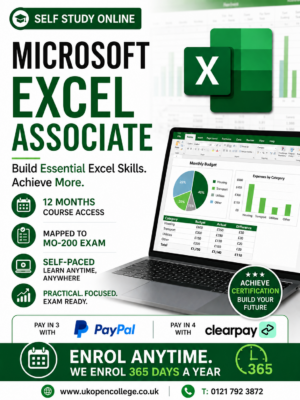
Microsoft Excel 2019/365 Online Course – Associate Qualification
£150.00The Microsoft Excel 2019 & 365 Associate Online Course is aimed at students who are interested in gaining skills of...Add to basket -
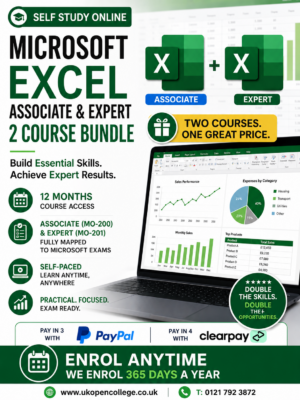
Microsoft Excel 2019/365 Online Course Bundle- Associate & Expert Qualifications
£250.00The Microsoft Excel 2019 & 365 Associate & Expert Online Course. Microsoft Excel is a widely used spreadsheet program developed...Add to basket -
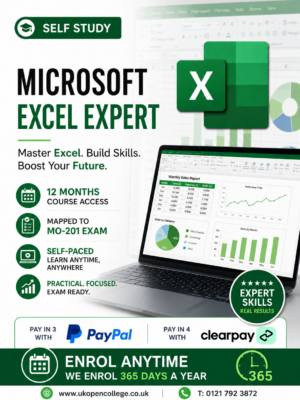
Microsoft Excel 2019/365 Online Course – Expert Qualification
£150.00The Microsoft Excel 2019 & 365 Expert Online Course is aimed at students who are interested in gaining advanced skills...Add to basket -
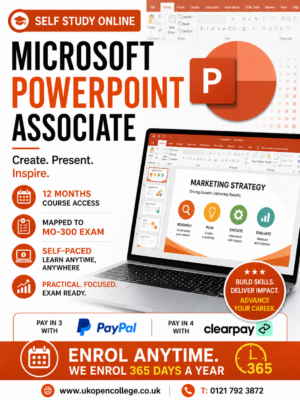
Microsoft PowerPoint 2019/365 Online Course – Associate Qualification
£150.00The Microsoft PowerPoint 2019 & 365 Associate Online Course is aimed at students who are interested in gaining skills of...Add to basket -
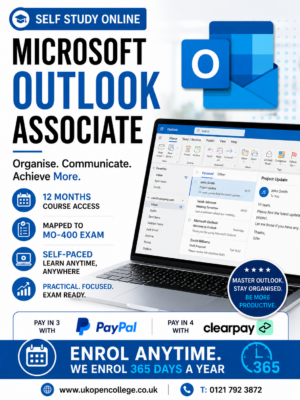
Microsoft Outlook 2019/365 Online Course – Associate Qualification
£150.00Microsoft Outlook Online Course. Microsoft Outlook is a personal information manager from Microsoft, available as part of the Microsoft Office...Add to basket -
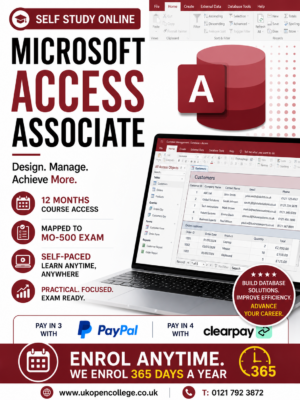
Microsoft Access 2019/365 Online Course – Associate Qualification
£150.00Microsoft Access Online Course. Microsoft Access is a database management system (DBMS) from Microsoft that combines the relational Microsoft Jet...Add to basket
What is Microsoft Office?
Microsoft Office is a suite of productivity software applications developed by Microsoft. It includes a variety of programs that are designed to handle different types of tasks related to office work. The most commonly used tend to be Microsoft Word, Microsoft Excel, Microsoft PowerPoint and Microsoft Outlook,
Microsoft Word is a word processing application developed by Microsoft. It is part of the Microsoft Office suite of productivity software and is widely used for creating, formatting, and editing text documents.
Microsoft Word is used across various sectors, including education, business, government, and personal use, making it one of the most popular word processors in the world
Microsoft PowerPoint is a presentation program developed by Microsoft, widely used for creating and delivering slide presentations. It is part of the Microsoft Office suite and is available for Windows, macOS, iOS, and Android. PowerPoint is used in various settings, including business, education, and personal projects, to convey information visually and engagingly.
Here are the key features and functionalities of Microsoft PowerPoint:
1. **Slide Creation and Design**:
– **Templates and Themes**: Access to a wide range of pre-designed templates and themes to create visually appealing presentations quickly.
– **Slide Layouts**: Various predefined slide layouts, including title slides, content slides, section headers, and more.
2. **Text and Object Formatting**:
– **Text Formatting**: Options to format text with different fonts, sizes, colours, and styles.
– **Objects**: Inserting and customising various objects, including images, shapes, icons, SmartArt, charts, and tables.
3. **Multimedia Integration**:
– **Images and Videos**: Adding and editing images, videos, and audio files directly within slides.
– **Animations**: Applying animations to text and objects to create dynamic and engaging presentations.
– **Transitions**: Using slide transitions to add visual effects between slides.
4. **Interactive Elements**:
– **Hyperlinks**: Adding hyperlinks to other slides, documents, or web pages for interactive navigation.
– **Action Buttons**: Inserting action buttons to perform specific actions, such as playing a video or navigating to another slide.
5. **Collaboration and Sharing**:
– **Co-authoring**: Allowing multiple users to work on the same presentation simultaneously in real-time.
– **Comments and Annotations**: Adding comments and annotations to slides for feedback and collaboration.
– **Sharing**: Sharing presentations via email, OneDrive, SharePoint, or exporting to various formats like PDF and video.
6. **Presenter Tools**:
– **Presenter View**: Providing a special view for presenters that includes notes, a timer, and a preview of the next slide.
– **Slide Show Mode**: Delivering presentations in full-screen mode with various navigation options.
– **Rehearse Timings**: Practicing presentations and recording timings for each slide.
7. **Data Visualization**:
– **Charts and Graphs**: Creating and customizing charts and graphs to visualize data.
– **SmartArt**: Using SmartArt graphics to create diagrams and process flows easily.
8. **Accessibility Features**:
– **Alt Text**: Adding alternative text to images and objects for accessibility.
– **Screen Reader Compatibility**: Ensuring compatibility with screen readers and other assistive technologies.
9. **Integration with Other Microsoft Office Applications**:
– **Excel**: Embedding and linking Excel charts and data for dynamic updates.
– **Word**: Importing and exporting content between Word and PowerPoint.
10. **Custom Animation and Transition Effects**:
– **Animation Pane**: Managing and fine-tuning animations with the animation pane.
– **Custom Paths**: Creating custom animation paths for objects.
PowerPoint is a powerful tool for creating professional and polished presentations, offering a wide range of features to enhance communication and storytelling. It is widely used in business meetings, educational lectures, conferences, and many other contexts where visual aids are essential for effective communication.
Microsoft Access is a database management system (DBMS) from Microsoft that combines the relational Microsoft Jet Database Engine with a graphical user interface and software-development tools. It is part of the Microsoft Office suite of applications and is designed for users to easily create and manage databases.
Here are the key features and functionalities of Microsoft Access:
1. **Database Creation and Management**:
– **Tables**: Creating and managing tables to store data in a structured format.
– **Queries**: Building queries to filter, sort, and manipulate data.
– **Forms**: Designing user-friendly forms for data entry and navigation.
– **Reports**: Generating detailed reports for data analysis and presentation.
2. **Relational Database**:
– **Relationships**: Establishing relationships between tables to maintain data integrity and eliminate redundancy.
– **Referential Integrity**: Enforcing rules to ensure consistency between related tables.
3. **User Interface Design**:
– **Form and Report Design Tools**: Utilizing drag-and-drop tools to design forms and reports.
– **Customization**: Adding custom controls and layout elements to enhance the user experience.
4. **Data Import and Export**:
– **Integration**: Importing data from and exporting data to various formats, including Excel, SQL Server, and other databases.
– **Linked Tables**: Linking to external data sources without importing them.
5. **Automation and Scripting**:
– **Macros**: Automating repetitive tasks using macro tools.
– **VBA (Visual Basic for Applications)**: Writing custom scripts and functions to extend functionality.
6. **Multi-User Support**:
– **Concurrency**: Allowing multiple users to work on the database simultaneously.
– **User-Level Security**: Implementing security measures to control access and permissions.
7. **Templates and Wizards**:
– **Pre-built Templates**: Using templates for common database applications, such as contact management or inventory control.
– **Wizards**: Step-by-step guides to help create databases, forms, reports, and queries.
8. **Reporting and Analysis**:
– **Data Analysis**: Creating complex queries and reports to analyze and interpret data.
– **Charts and Graphs**: Visualizing data with integrated charting tools.
9. **Integration with Other Microsoft Office Applications**:
– **Excel**: Exporting data to Excel for further analysis.
– **Word**: Merging data with Word for mail merges and document generation.
10. **Accessibility**:
– **Web Access**: Deploying databases to the web using SharePoint or other web technologies.
Microsoft Access is used by individuals, small businesses, and departments within larger organizations to develop and manage custom database solutions without the need for extensive programming knowledge. It provides a balance between ease of use and powerful database capabilities.
Microsoft Outlook is a personal information manager from Microsoft, available as part of the Microsoft Office suite. Although primarily an email application, it also includes a calendar, task manager, contact manager, note-taking, journal, and web browsing.
Here are some key features of Microsoft Outlook:
1. **Email Management**:
– **Email Organization**: Folders, categories, and rules for sorting and managing emails.
– **Conversation View**: Grouping related emails together to streamline communication threads.
– **Search**: Powerful search functionality to find emails quickly.
2. **Calendar**:
– **Scheduling**: Creating and managing appointments, events, and meetings.
– **Reminders**: Alerts for upcoming events.
– **Shared Calendars**: Viewing and managing calendars shared by other users.
3. **Task Manager**:
– **To-Do List**: Tracking and managing tasks.
– **Prioritization**: Assigning priority levels and deadlines to tasks.
4. **Contact Manager**:
– **Address Book**: Storing and organizing contact information.
– **Contact Groups**: Creating groups for easier email distribution.
5. **Note-Taking**:
– **Notes**: Creating and managing notes for various purposes.
6. **Journal**:
– **Activity Logging**: Recording interactions and activities for future reference.
7. **Integration**:
– **Office Suite**: Seamless integration with other Microsoft Office applications like Word, Excel, and PowerPoint.
– **Third-Party Add-ins**: Supporting add-ins for extended functionality.
8. **Web Browsing**:
– **Embedded Browser**: Viewing web pages within the application.
Outlook is used in both personal and corporate settings, providing tools for communication, scheduling, and information management to enhance productivity and organization. It is available on multiple platforms, including Windows, macOS, iOS, and Android, ensuring users can access their information across various devices.
Yes, you will need Microsoft Office 2019 or 365 to take one of our MS Office Courses. All courses are mapped to one of these versions.