
Microsoft Word Courses
Microsoft Word Courses Online. Microsoft Word is a word processing application developed by Microsoft. It is part of the Microsoft Office suite of productivity software and is widely used for creating, formatting, and editing text documents.
Microsoft Word is used across various sectors, including education, business, government, and personal use, making it one of the most popular word processors in the world.
Whether you are a total beginner or consider yourself to be a Word expert, we have you covered. Begin your Microsoft Word courses online today!
Showing all 3 results
-
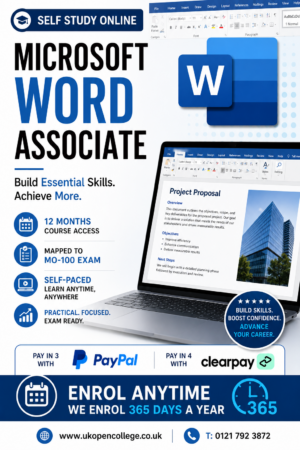
Microsoft Word 2019/365 Online Course – Associate Qualification
£150.00The Microsoft Word 2019 & 365 Associate Online Course is aimed at students who are interested in gaining skills of...Add to basket -
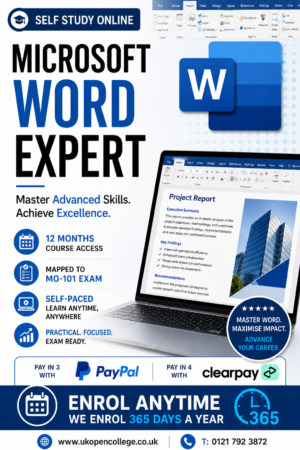
Microsoft Word 2019/365 Online Course – Expert Qualification
£150.00The Microsoft Word 2019 & 365 expert Online Course is aimed at students who are interested in gaining advanced skills...Add to basket -
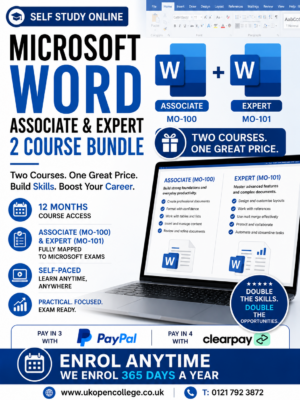
Microsoft Word 2019/365 Online Course Bundle- Associate & Expert Qualifications
£250.00Microsoft Word 2019 Training Course. Microsoft Word 2019 & 365 Associate & Expert Online Course. Microsoft Word is a word processing...Add to basket
Frequently Asked Questions
Microsoft Word is a word processing application developed by Microsoft. It is part of the Microsoft Office suite of productivity software and is widely used for creating, formatting, and editing text documents. Here are some key features and functionalities of Microsoft Word:
- Document Creation: Users can create a variety of documents, including letters, reports, flyers, resumes, and more.
- Formatting Tools: Extensive options for formatting text, including font styles, sizes, colors, paragraph alignment, line spacing, and more.
- Templates: Pre-designed templates for various types of documents to help users get started quickly.
- Collaboration: Features for collaborative editing, allowing multiple users to work on the same document simultaneously.
- Review Tools: Tools for commenting, tracking changes, and comparing documents to facilitate the review process.
- Graphics and Multimedia: Insertion and formatting of images, charts, tables, and other multimedia elements.
- Integration: Integration with other Microsoft Office applications such as Excel, PowerPoint, and Outlook, as well as with cloud storage services like OneDrive.
- Accessibility: Tools to enhance document accessibility, including text-to-speech, alternative text for images, and more.
- Advanced Features: Support for macros, mail merge, custom styles, and various add-ins for extended functionality.
- Export Options: Ability to save and export documents in different formats, including PDF, HTML, and plain text.
Microsoft Word is used across various sectors, including education, business, government, and personal use, making it one of the most popular word processors in the world.
It will vary from learner to leaner, Some may complete in a matter of days with the right attitude. Others will simply log in occasionally over the 12 month access period. You have complete flexibility over your learning.
Our courses are mapped to the 2019 & 365 versions of excel.
Yes, absolutely. If you decide to take one of the optional examinations you will have proof of your skills from one of the biggest and respected organisations in the world. Microsoft qualifications are recognised and accepted globally.
Yes, no problem. Your course and exams if selected can all be done online, so these course can be taken from anywhere with an internet connection.